Your station's radio app, on the phone, in the car and on TV
ON AIR TOOL delivers a branded app for iOS and Android. Listeners hear the live stream, see the schedule and reach the studio. In the car through Apple CarPlay and Android Auto. On Android, also through Chromecast to the television.

20:00 – 22:00
Evening show
with Lisa
iOS app
An App Store app in your station colours, logo and name. Live radio, programs and the team live in the same app.
Android app
The same station app on Android, with the live stream, background playback and the lock screen. Listeners do not have to keep a browser tab open.
Apple CarPlay
Listen on the road with CarPlay. Your station stream sits on the car display, next to the other audio the driver already uses.
Android Auto
Android Auto brings the same live radio to the dashboard. Built for listening while driving, without picking up the phone.
Chromecast on Android
From the Android app you cast the broadcast to a Chromecast. The stream plays on the television, with the metadata of whatever is on air.
ON AIR ID in the app
Listeners create an account and chat with the studio, or send a voice message. The conversation arrives at the program that is on air at that moment.
One app, built around your station
A radio station does not need a generic player. The app you have built through ON AIR TOOL carries your station name, logo and colour. Listeners open your station, not a directory where you sit between dozens of other streams.
The content comes from the same dashboard as your schedule, programs, news and requests. Change a broadcast or publish a story and the app matches what is on air. No separate app desk and no export that only goes live the next day.
The app is part of the station products in the ON AIR TOOL Store: a one-time setup and then a monthly fee, alongside your station plan.
- Live stream with program, artwork and now playing
- Schedule, programs, team, news and requests
- Home screen and menu composed per station
- Light or dark, in your brand accent colour
Live now
Evening show
with Lisa
Apple CarPlay and Android Auto
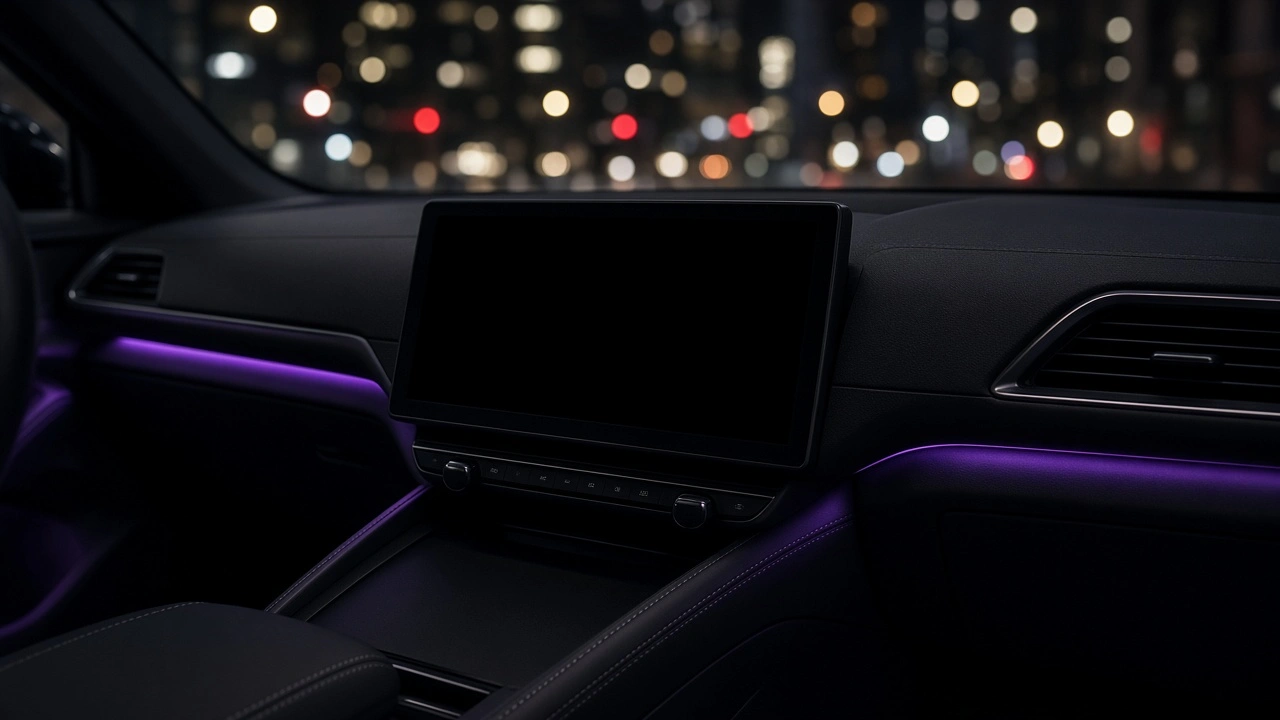
A lot of listening time for a local station happens in the car. That is why the app does not stop at the phone. On iOS the app connects to Apple CarPlay. On Android the same stream connects to Android Auto.
The driver picks your station on the car display and hears the live broadcast. It is the same stream as in the app and on the website, from the same source in ON AIR TOOL. No second player, no second schedule and no separate in-car setup.
CarPlay and Android Auto keep listening on the road straightforward: play, pause and see which program is on, without taking attention off the road.
Chromecast on Android
Chromecast is built into the Android app. A listener taps cast and the live stream goes to the television or another Chromecast receiver at home.
Casting uses the station stream URL. An https stream is the most reliable. Title and artwork follow whatever is on air, so the TV shows the same thing as the app.
Chromecast belongs to the Android app. iOS listeners stay in the app, on CarPlay, or through the speaker of their phone. Phone, car and living room are covered from one station app.
20:00 – 22:00
Evening show
with Lisa
What you manage in the studio
You do not manage the app in a separate console. Tabs, home screen, colours and pages are set under Station, Mobile app. You choose what listeners see: listen, guide, schedule, team, news, charts, requests, chat and account.
Requests sent from the app land in the same inbox as requests from the website. Chat through ON AIR ID arrives at the program that is on air. Presenters reply from ON AIR TOOL, under their own name.
Stations that already have an app identity keep their Android package and iOS bundle. New stations get an app that matches their brand, tied to the station licence.
- The same data as the website, widgets and dashboard
- Requests and chat in the existing studio workflow
- Published through the store, next to your station plan
Radio app, CarPlay, Android Auto and Chromecast
Answers for stations that want their own app, including in the car and on television.
Keep reading
The app belongs with the rest of the platform: listener contact, every module and your station plan.
An app that stays in step with your broadcast
Tell us about your station. We set up the iOS and Android app, including CarPlay, Android Auto and Chromecast on Android.